Saha Dental Clinic
Book your dental appointment online
Choose a service and available time. Pay at the clinic or open the secure PayU payment page for a provisional appointment.
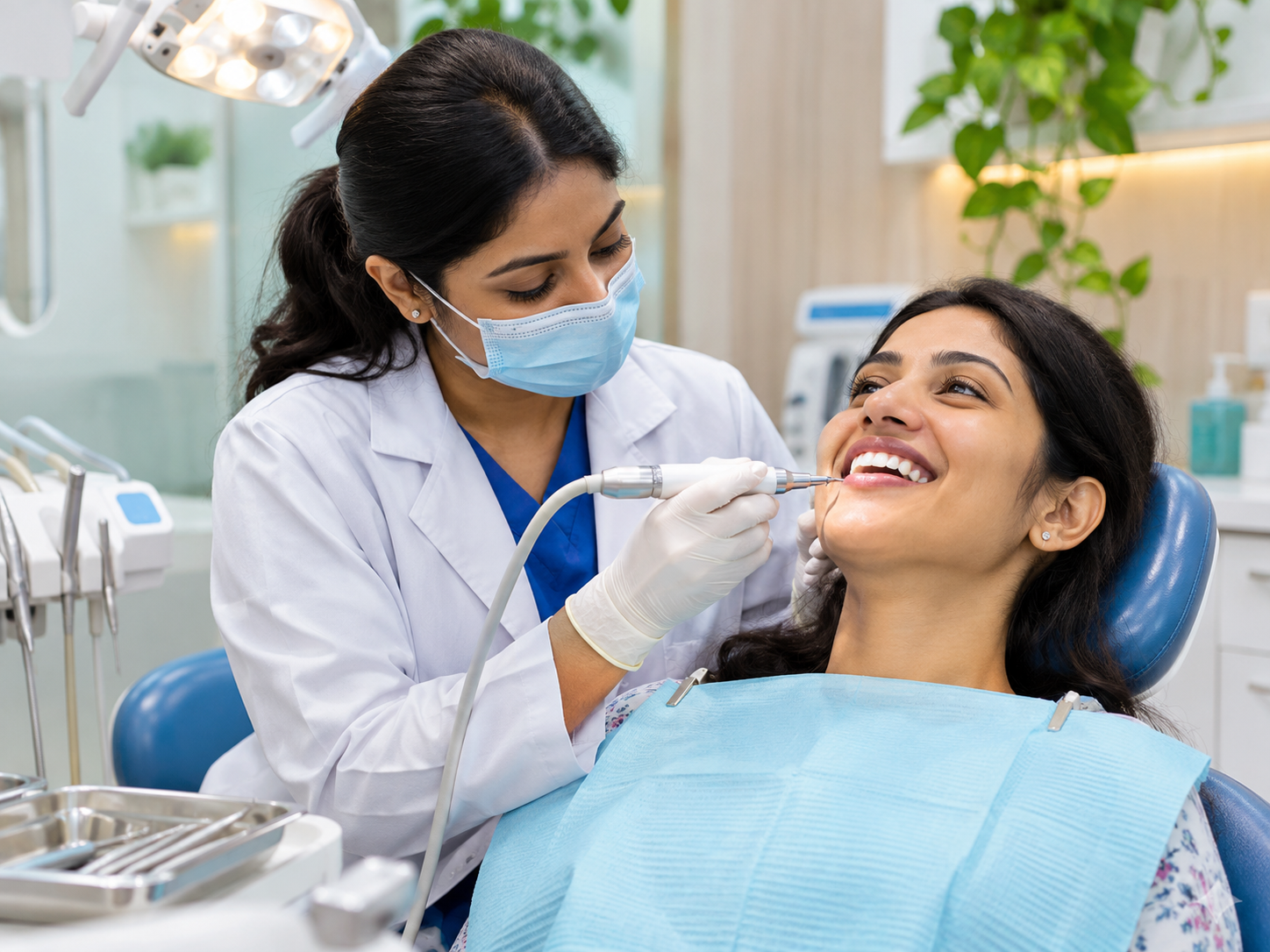
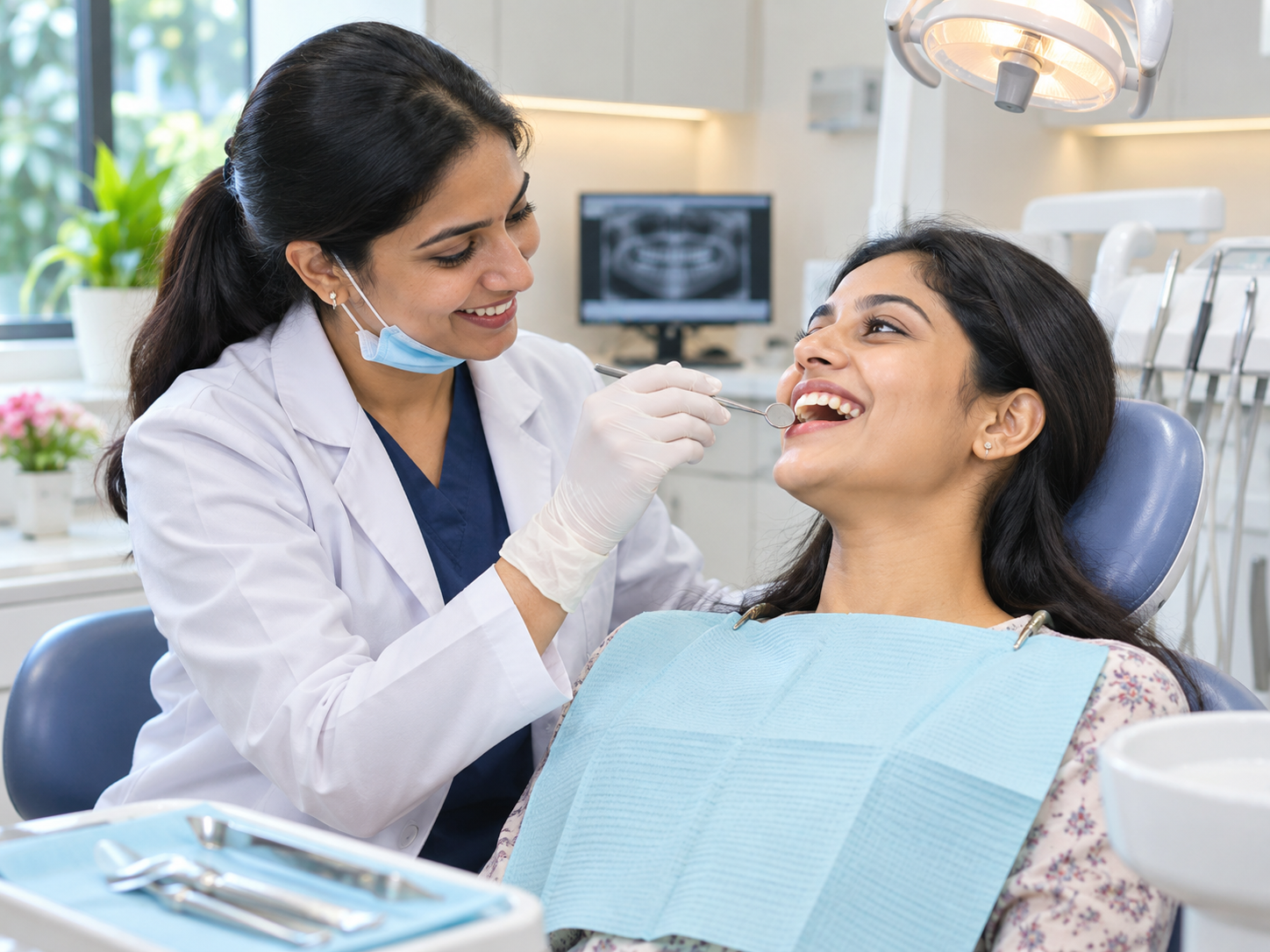
Our team at work

Clinic details
- Hours
- Mon–Sat, 10 am–1 pm and 4 pm–7 pm
- Address
- Kalyani, Central Park
- Phone
- +91 8961670358
- Fee
- ₹200 consultation at the clinic
How online booking works
Choose an available slot, enter your contact details, and select pay at clinic or PayU online. Pay-at-clinic bookings are confirmed only after a server-issued appointment ID appears. PayU bookings are saved as Awaiting payment, held for up to 10 minutes, and require manual payment verification by the clinic before confirmation. The checkout amount is shown on PayU; check it before paying. Keep your appointment ID and PayU transaction reference. For changes, call +91 8961670358.
Doctor sign-in
Live appointment records are private. Sign in with the doctor password configured in Cloudflare. This is not your Google or Cloudflare account password.
Bookings
| Appointment ID | Patient | Service | When | Type | Paid | Discount | Platform fee | Status |
|---|
Live data from Google Sheets (newest 500 records). PayU payments must be verified in PayU and marked in the private Google Sheet before the dashboard reflects them. Financial amounts are not calculated from the shared PayU payment link. Edit patient or attendance status in the private Google Sheet, then refresh here.